

HEADINGS TAB.
Managing headings and the content hierarchy for search engines.
What you’ll find in SEO Spider’s H1 and H2 tabs: columns and filters for missing, duplicate, multiple or overly long headings, and how to extract every heading with Custom Extraction.
H1 headings
The <h1> to <h6> tags define the structure of a web page’s content on a scale of decreasing importance.
Headings should be ordered by size and importance, and they help users and search engines understand the page’s content and sections by creating a content hierarchy. Headings, and the <h1> in particular, should describe the page’s search intent, and they play a key role as an on-page ranking signal.
The H1 tab shows the data for the HTML <h1> heading and its potential issues.
By default, SEO Spider only extracts and reports the first two <h1> found on a page. If you want to extract every H1, I recommend using Custom Extraction.
- Address: the crawled URL.
- Occurrences: the number of <h1> headings found on the page (SEO Spider extracts the first two).
- H1-1-2: the text content of the <h1>.
- H1-length-1-2: the length of the heading in characters.
- Indexability: whether the URL is indexable or non-indexable.
- Indexability Status: the reason a URL is considered non-indexable.
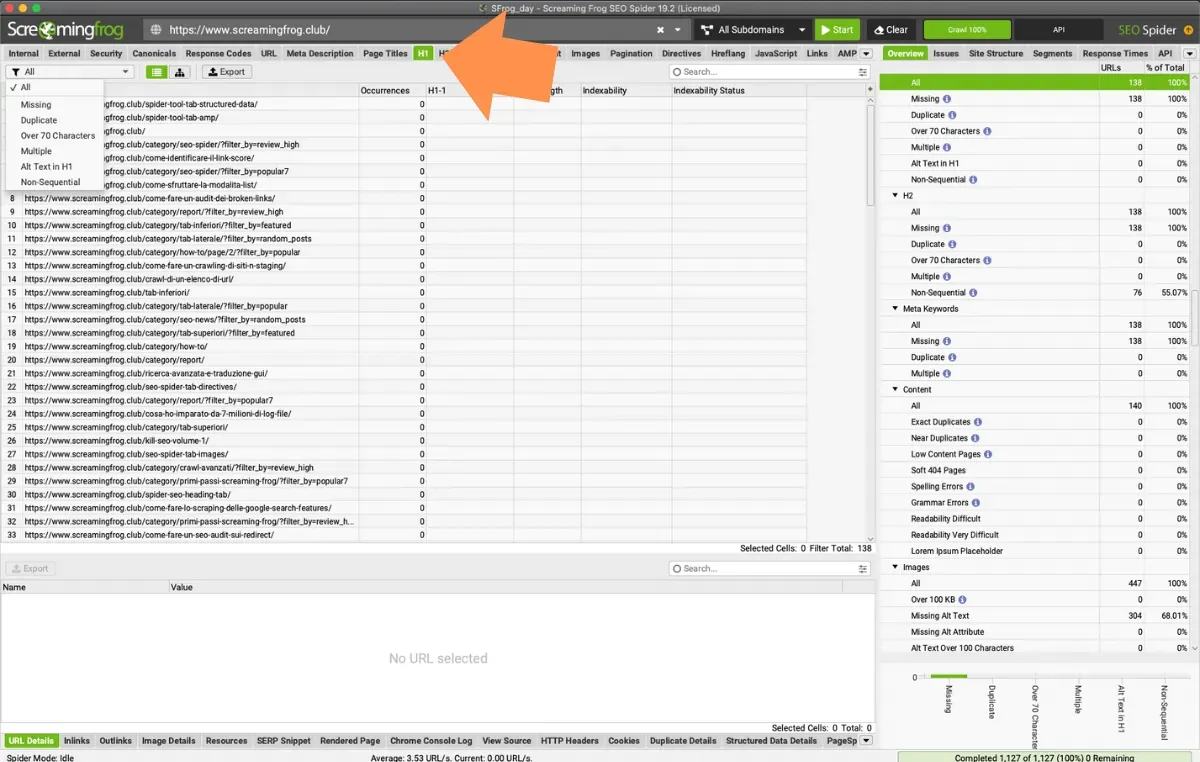
H1 tab filters
The crawl of main headings includes these filters:
- Missing: pages without an <h1>, or where the content is empty or just white space (e.g. <h1> </h1>).
- Duplicate: all the pages with duplicate <h1>. Since it’s a strong signal for search engines, it’s essential to have unique, distinct, semantically optimised headings that reflect the page’s search intent and make each piece of content unique.
- Over 70 characters: all the pages whose <h1> is longer than 70 characters. This isn’t strictly a problem, as there’s no character limit for headings, but they should be concise and descriptive for users and search engines.
- Multiple: all the pages with more than one <h1>. It’s recommended to use heading ranks (h1-h6) to convey the document structure. The classic HTML4 standard says there should be only one <h1> per page, and this is still generally recommended for users and SEO.
- Alt Text in H1: pages whose H1 contains an image’s alt text, because the image sits inside the h1 tag.
- Non-Sequential: pages where the first heading isn’t an H1, or where levels are skipped (for example from H1 to H3).
H2 headings
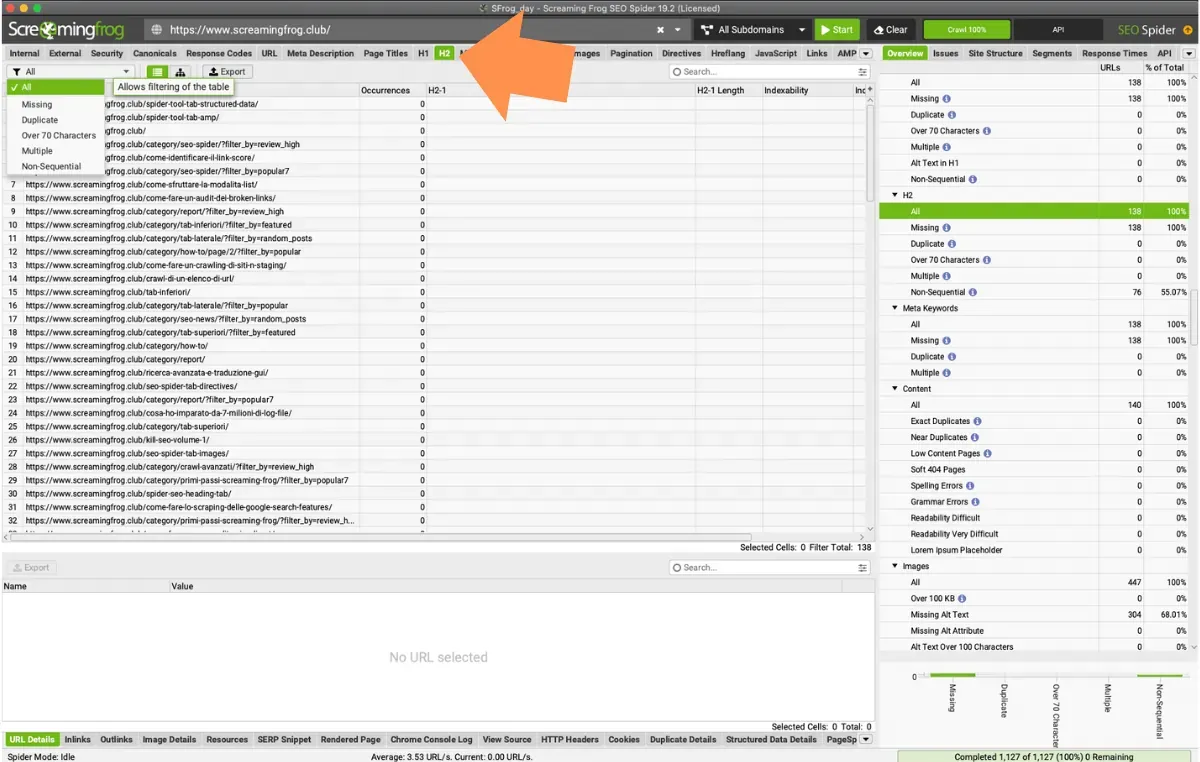
As described for the main heading, the H2 is also a ranking signal that helps define the page’s search intent and semantic structure. The same rules apply, and SEO Spider has the same filters and limits.
By default only the first two H2s on the page are extracted; if you want to check more, I recommend the “Custom Extraction” feature.
Video tutorial
Questions about HEADINGS TAB?
These guides come from real projects. If something in your crawl doesn’t add up, or you want to apply this process to your site, get in touch.
 Author.Raffaele Visintin.Search & Strategic Marketing Advisor
