
Pagespeed
With the introduction of Web Vitals, website performance has become even more important and must be optimized to ensure good organic rankings. The “PageSpeed” tab allows for a very complete and comprehensive overview of any critical issues that might be affecting the project. To populate the data on this tab, it is necessary to connect to the PageSpeed Insights API through “Configuration > API Access > PageSpeed Insights,” enter a free PageSpeed API key, connect, and perform a crawl.
Configuration > API Access > PageSpeed Insights
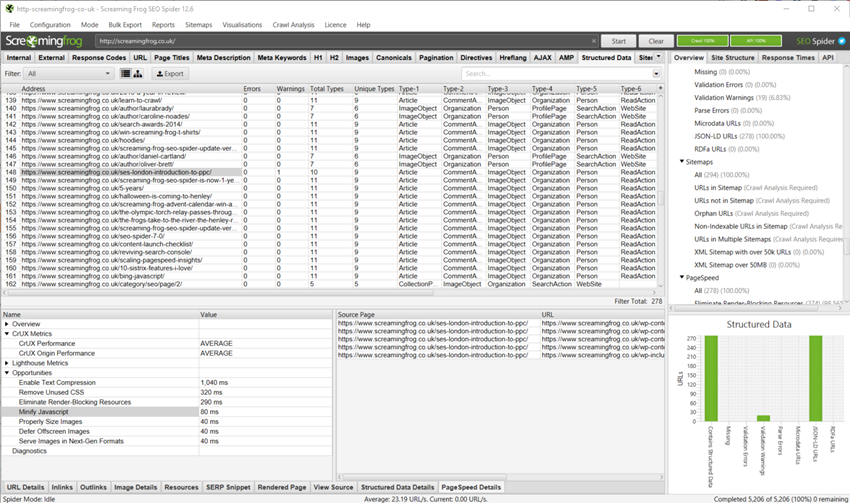
By consulting the left window, you can get specific information about both the extracted metrics and the available opportunities specific to the highlighted URL. Clicking on an opportunity displays more details on the right screen.
- Source Page: identifies the URL selected in the upper window.
- URL: the linked resource that has available opportunities.
- Size (Bytes): displays the current size of the listed resource.
- Potential Savings: shows the potential weight savings (bytes) if the proposed opportunity were implemented.